 Noah
Noah
Your download is on its way.
Three quick steps and Noah's ready to fix your Mac. Most people are done in under a minute.
You came here about: “”
Noah runs on your Mac, not your phone.
Pop your email in and I'll send the install link — open it when you're next at your Mac and you're two minutes from done.
One email, from a real person. No list, no follow-up sequence you didn't ask for.
On a Mac or PC right now? Download it here instead →
Sent — check your inbox.
An email from Eric at onnoah.app is landing in your inbox now (give it a minute). It has your install link.
Can't find it? Check spam — a personal note like this can hide there.
Open the downloaded file
Find Noah-1.48.0-02cc6db.dmg in your browser's downloads and double-click it. It looks like this:
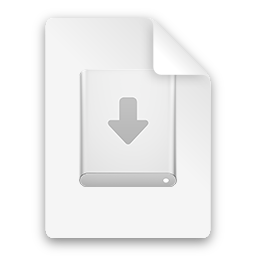
Can't see it? Press ⌘J to open your browser's downloads.
Drag Noah into Applications
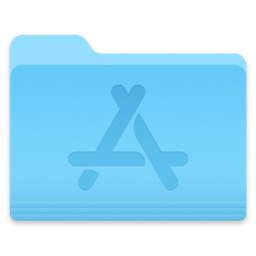
A window opens. Drag the Noah icon onto the Applications folder — just like the picture.
Open Noah
Open Noah from your Applications folder and tell it what's wrong with your Mac.
Open Noah from your Applications folder and tell it: “” Noah checks first, tells you the cause, and only fixes it with your OK.
The first time, macOS may ask you to confirm — that's normal for apps installed outside the App Store. Click Open. Noah is notarized by Apple, so macOS has already checked it for malware.
Stuck, or the app won't open? Email [email protected] — a real person (me) will help. · Back to noah.app